01 / Save
Save the recipe.
Keep your favorites together. Write your own recipes or import them from a link or recipe photo.


 Pantrae.
Recipes. Meal plans. Shopping.
Save your favorite recipes, plan your meals and bring the ingredients into a shared shopping list. On your own or together—with AI assistance when you want it.
In your browser and on your phone

Real app · example recipes
One household. Shared recipes, plans and shopping.
One recipe, three simple steps
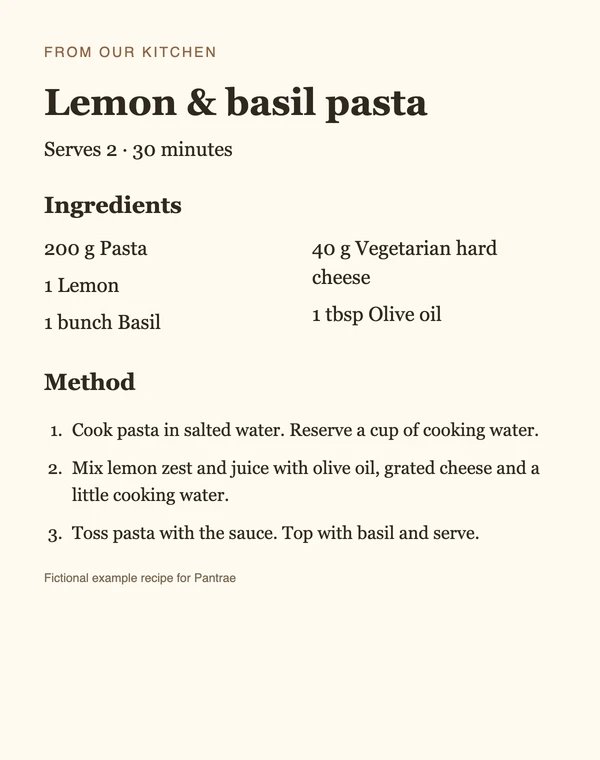
Follow the lemon pasta from your collection to your shopping list.
01 / Save
Keep your favorites together. Write your own recipes or import them from a link or recipe photo.
02 / Plan
Choose a day and servings. Your household can see what’s on the menu.

03 / Shop
Bring the recipe’s ingredients into your list. Add anything else you need and check items off as you shop.

Build your collection and plan your first meal.
AI, when you want a hand
Import a recipe photo and review its ingredients and instructions in an editable draft.

Get recipe suggestions or help filling gaps in your meal plan.
Ask AI for changes, then review the result before saving.
AI is optional. You can plan without it. Review drafts before saving. AI needs an internet connection and an available AI service.
Invite someone to your household. Share recipes, decide on meals and work from the same shopping list.
Use content already loaded on this device. Add shopping items and check them off; changes sync when you reconnect.
Yes. An account keeps your recipes, plans and shopping lists together across your devices. You can check registration availability on the sign-in page.
No. Write your own recipes, plan meals and manage your shopping yourself. AI ideas, recipe imports and adaptations are optional and need an internet connection and an available AI service.
Yes. Invite someone to your household to share recipes, meal planning and shopping. You can also use Pantrae on your own.
Yes. Open Pantrae in your phone or desktop browser. You can also add it to your home screen to open it like an app.
After signing in and loading your content, you can read cached recipes, view your plan and use your shopping list on that device. You can edit saved recipes and meals, add shopping items and check them off. Changes sync when you reconnect. Signing in, loading new content, AI features and sharing updates with others need a connection.
Save a favorite. Plan a meal. Take your list along.